Skills, Apps & Integrations#
A skill teaches an agent how your team does something. An app gives the team a screen for it. An integration connects the agent to a system you already use. All three are files on your server that the agent can read, and that policy can govern.
Skills#
A skill is a directory with a SKILL.md in it: frontmatter (name, description) and instructions. The agent reads the description to decide when the skill applies and reads the body when it does. No code required; the prompt is the skill.
Skills are discovered from three places, in order of precedence:
- Team —
/data/{team}/skills/, shared by everyone in that team. - Shared —
/data/everyone/skills/, where the bundled skills are seeded on first run: askillthat teaches the agent to write skills,reactions,apps,open-app,preview. - Personal —
~/.claude/skills/, yours alone.
Every agent gets every skill it can see, with a per-agent opt-out in agent settings. Skills are versioned like any other file: put the team directory in git and you have a history of how the team's methods changed.
The limitation this removes: the way your team does a thing used to live in one person's head. Now it lives in a file the agent reads, and it gets better every time the model does.
Team apps#
An app is a web component that lives at an address: /data/{team}/apps/{name}/ with an app.yaml manifest. It is visible to whoever inhabits that team, opens in a panel beside chat on the server and the desktop, and can be pinned to the sidebar.
One example: JovAI's Alms Guide is a web component for the review screen and report library, a SKILL.md that teaches the agent the customer's review method and the shape of the report, and a batch runner for a spreadsheet of cases. How a package like that is built, published and installed is on Apps & the App Store.
Apps are installed from a store, and a store is a git repository or a plain HTTPS index a partner controls. A partner typically runs one shared store for all their customers and one private store per customer. Giving a customer an app is pushing to their repo.
Integrations and OAuth#
Connecting an agent to Gmail, Drive or Calendar should be one button, not a credentials file. The platform provides a generic OAuth framework: an app declares a callback handler in its manifest, the platform signs the state, receives the provider's redirect, and runs the handler as the user over SSH so the token lands in that user's own storage. The app then wires the matching MCP server into the agent.
Google Workspace is the first app built on it: Connect, choose the services, and the agent can read your mail, search your Drive and manage your calendar as you. Disconnect removes the token. Which integrations a team may use is a policy decision.
Rich output#
Agents answer in markdown, and the chat renders the fenced blocks it understands as live objects rather than text:
- Charts —
vega-liteblocks become interactive charts. - Timelines — a
timelineblock becomes a scrollable timeline. - Mind maps — a
markmapblock becomes a mind map. - Diffs — a
diffblock renders side by side. - SVG — drawn inline.
- Playground — a
js:runnableorpy:runnableblock gets a Run button, and the output appears beneath it.
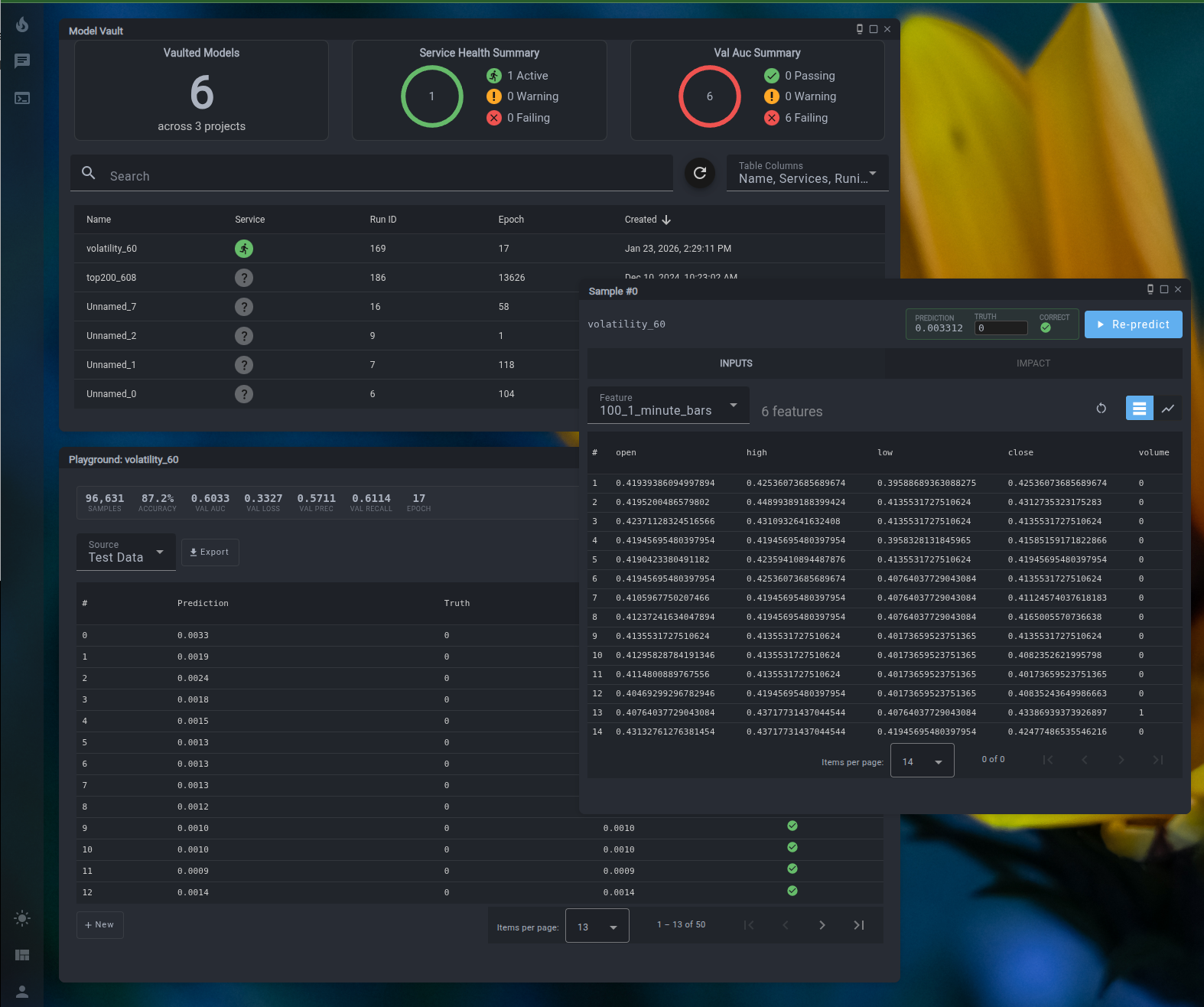
An agent that can draw the chart and hand you the runnable code does not need a separate dashboard tool. Anything it can express in markdown, it can express here.
Slash commands#
Because LIT runs the vendor's own harness, the harness's commands work from chat. /model, /effort, /usage and /help reach the interactive Claude Code session your agent is running in and come back as a reply. You are not talking to a wrapper; you are talking to the real thing, in a better room.